






Online PDF, image and document tools

PDF · organise

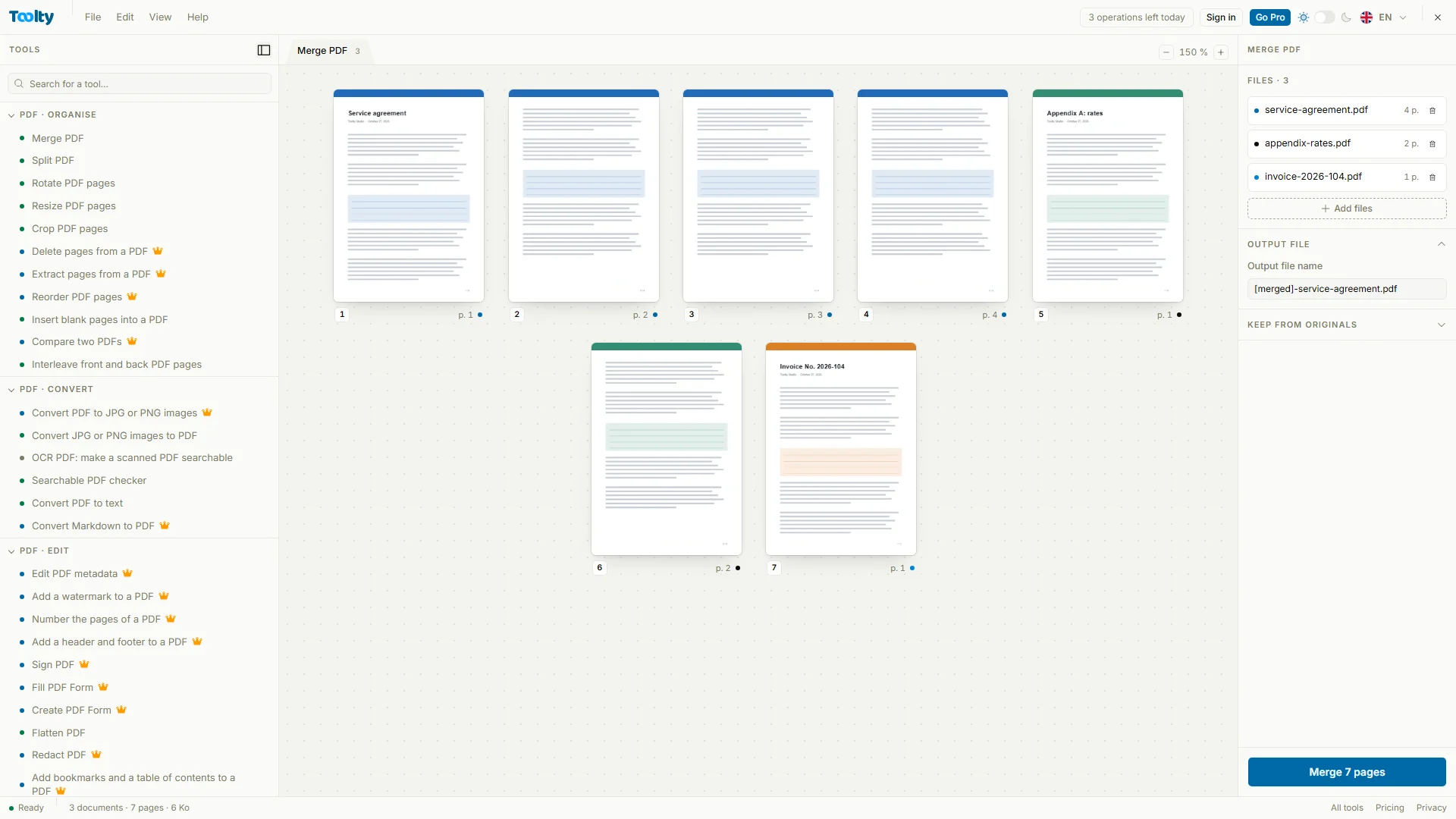
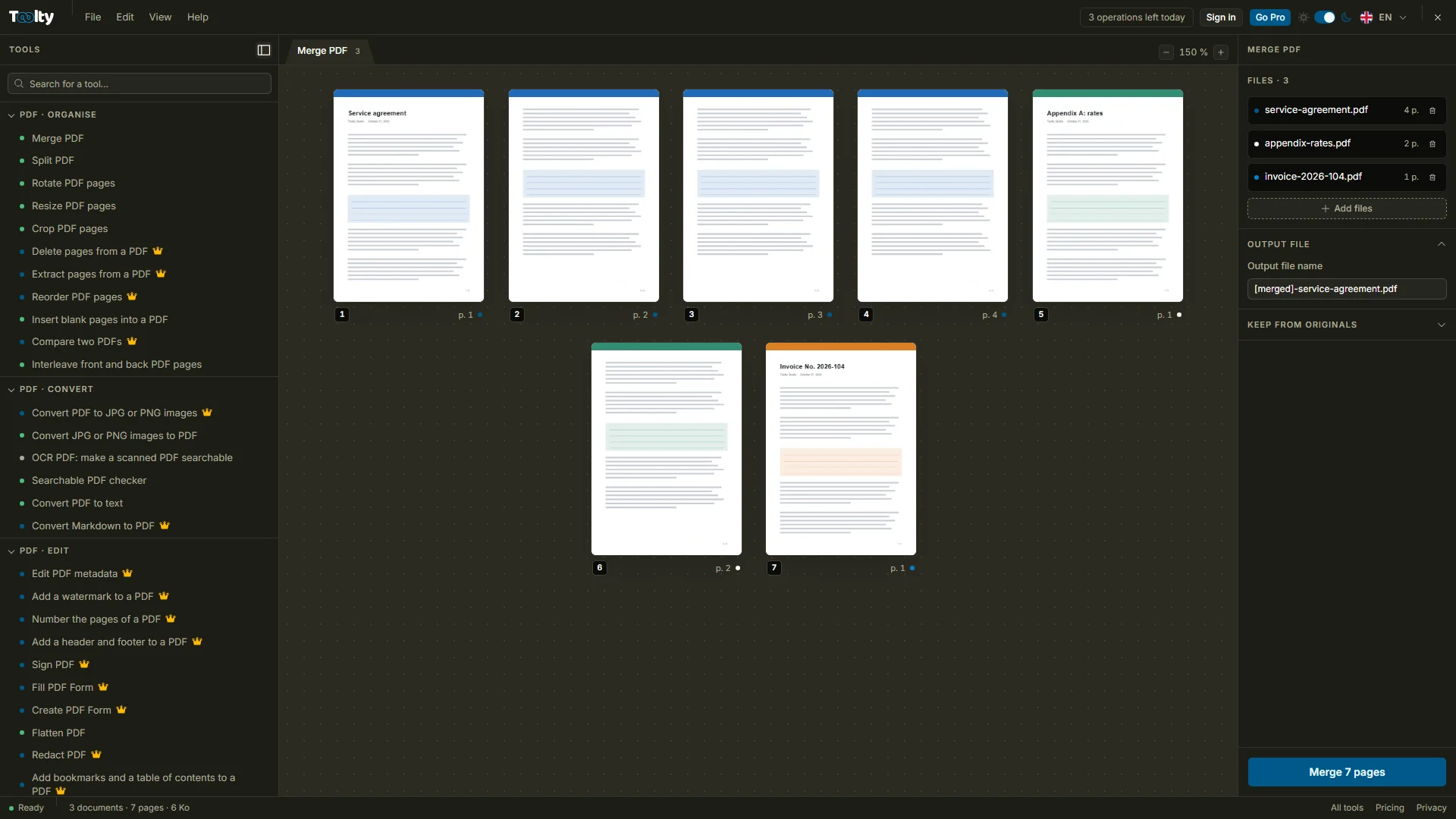
Merge multiple PDFs into one

Contracts, appendices, invoices: drag them into the order you want and get one clean document, bookmarks and table of contents kept, ready to send.

PDF · optimise and secure

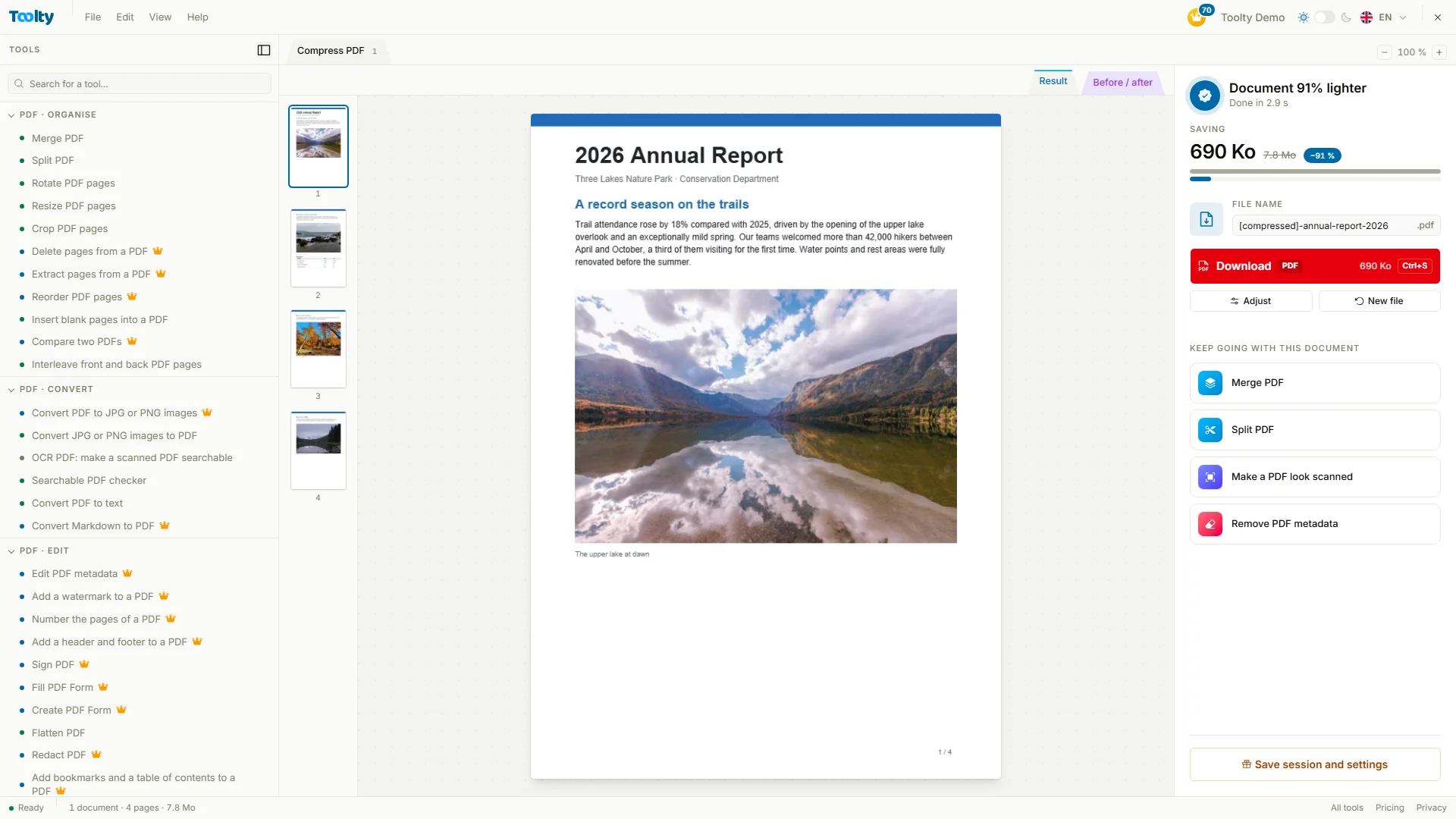
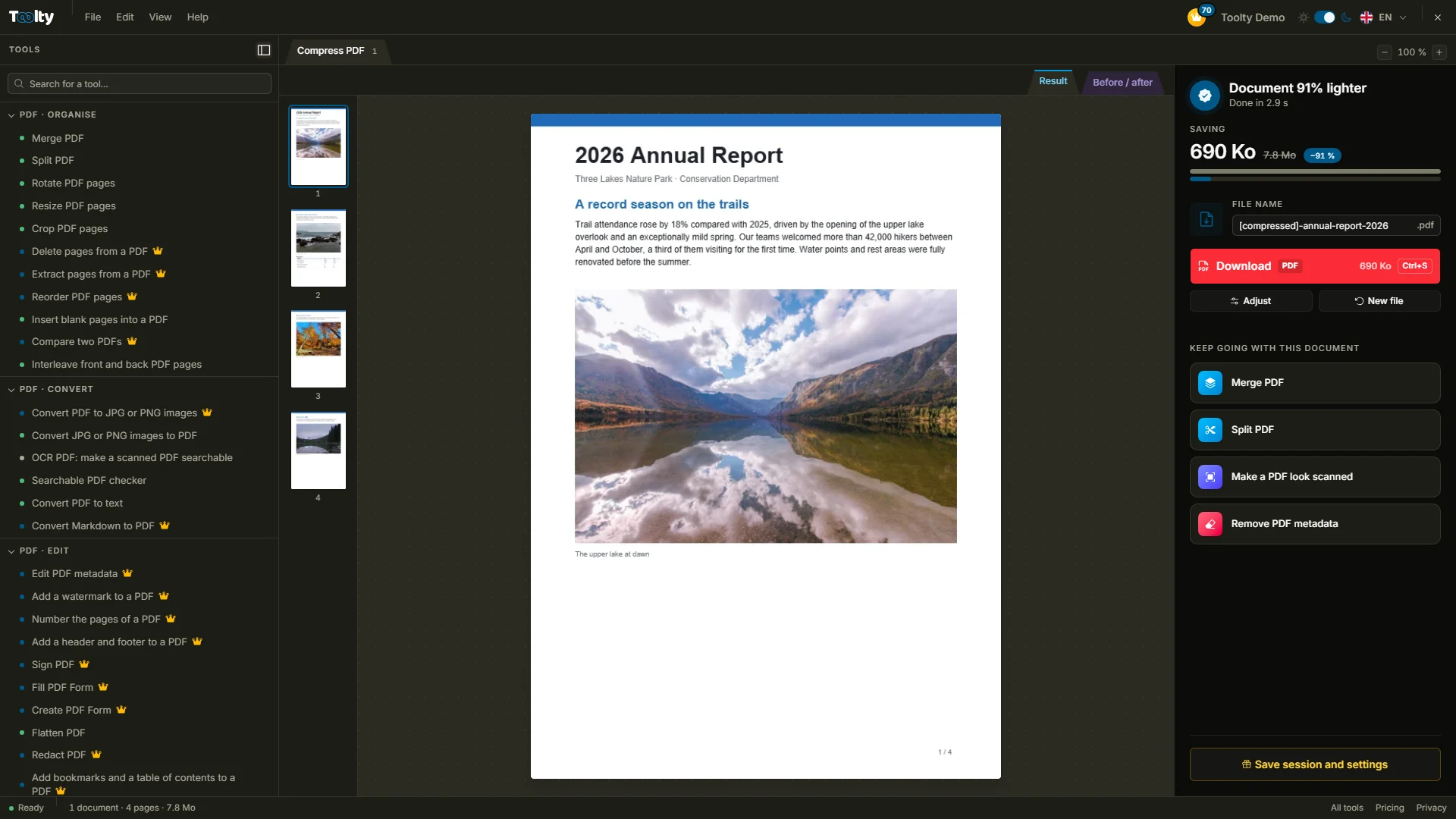
Compress your PDFs

Shrink your PDFs down to the size you need for an email or an upload portal. The text stays sharp and searchable, and you compare before you download.

Office documentsPro

From PDF to Word, no retyping.

A Word document that matches line for line: fonts, columns, tables and images stay in place. Even a scanned PDF turns back into real, editable text.

Images · retouchPro

Remove the background from your photos

The subject is cut out at full resolution, untouched, then delivered transparent or on the color of your choice. Perfect for a product page or a profile, up to ten photos at once.

PDF · editPro

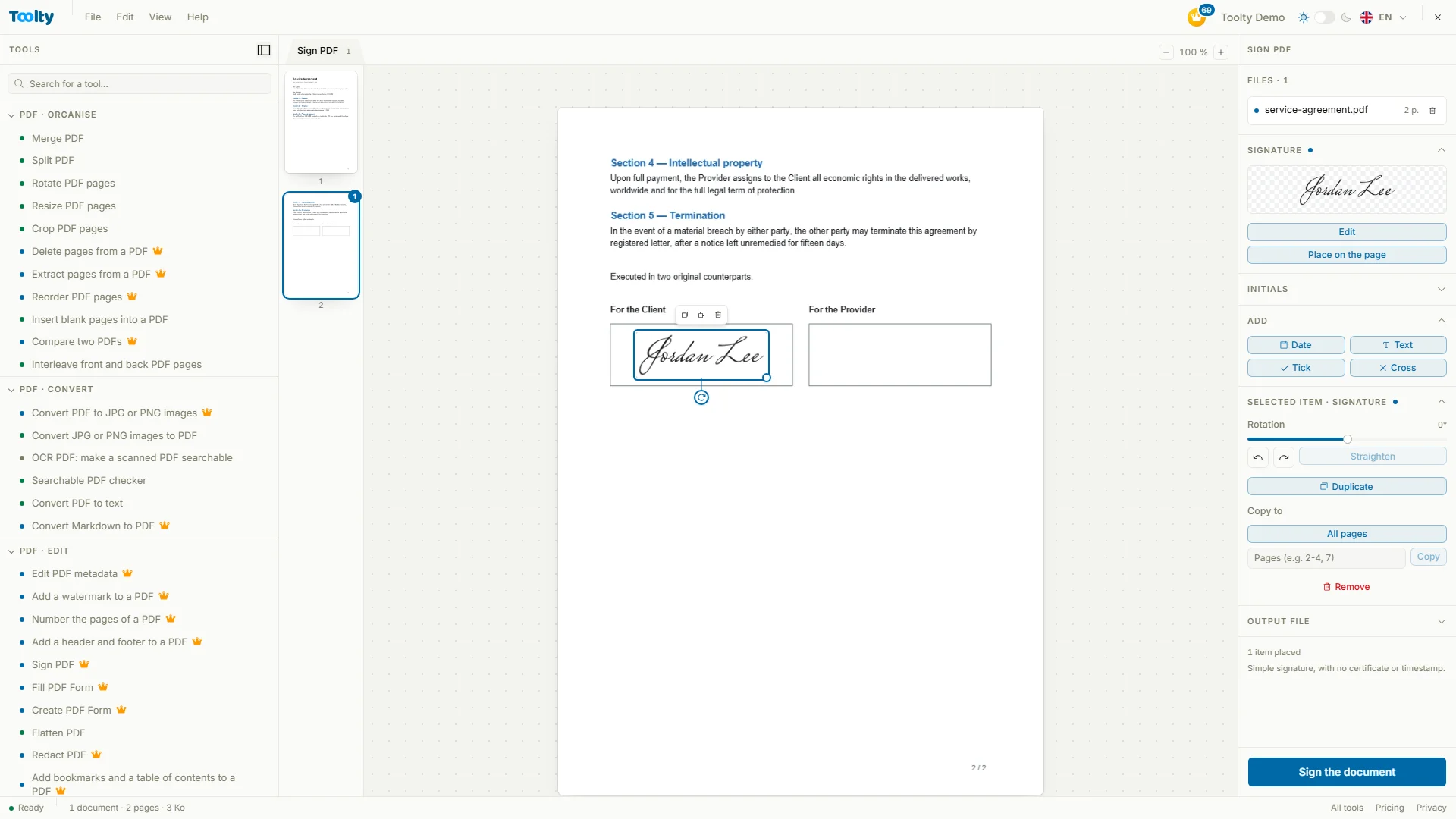
Sign your PDF documents online

Draw, type or import your signature, add the date or your initials, and place it exactly where it belongs. The document stays intact: text, links and form fields preserved.

Images · retouchPro

Your photo for the green card lottery.

A 600 × 600 square JPEG under 240 KB, white background, head framed to State Department requirements. Compare before and after, and leave with a print sheet for the interview too.

Images · transform

Optimize the lighting in your photos

Too dark, dull or tinted blue? Levels, contrast and white balance are fixed in one click, a backlit face brightens without blowing out the sky, and you fine-tune by eye.

Images · transform

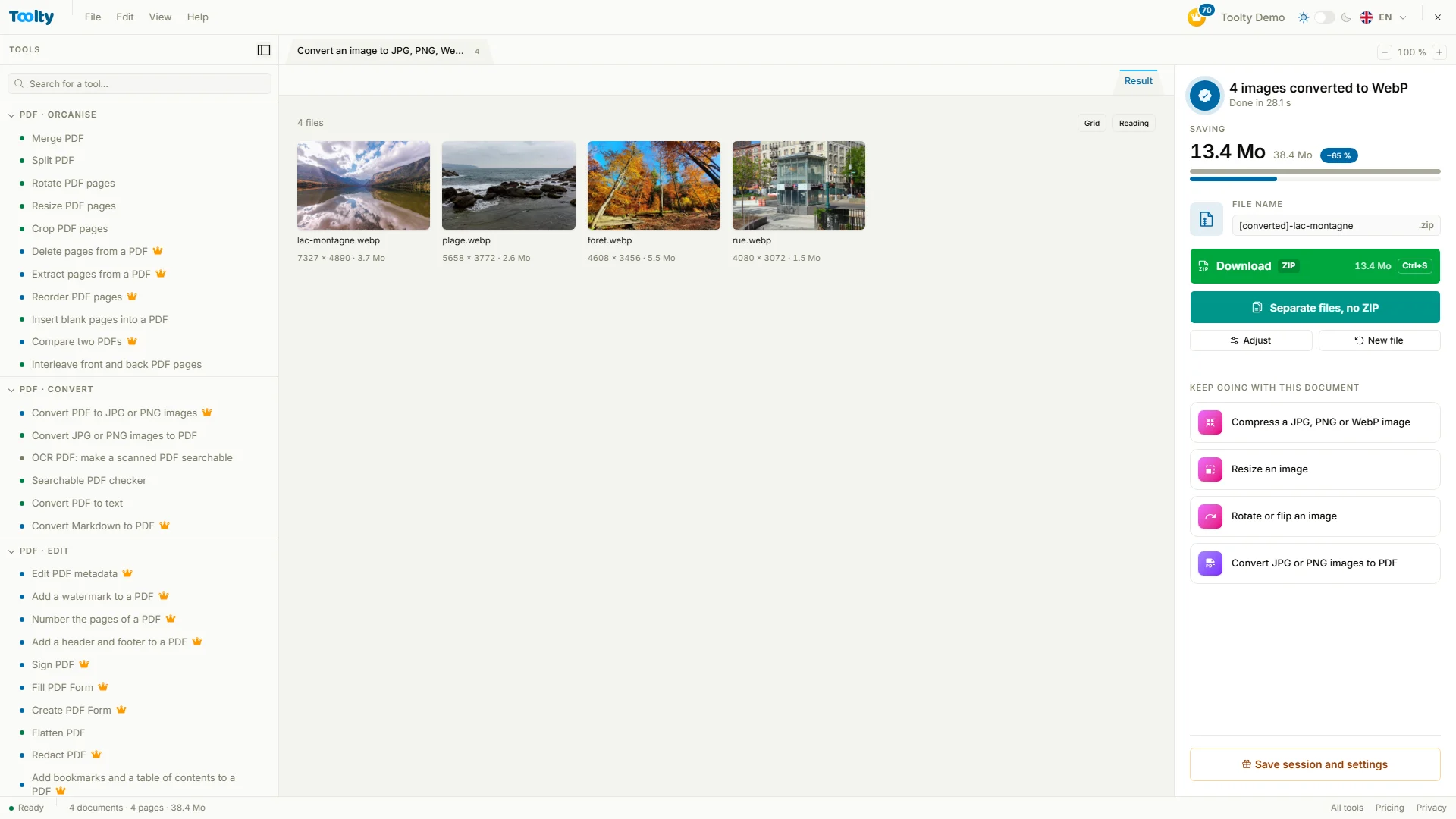
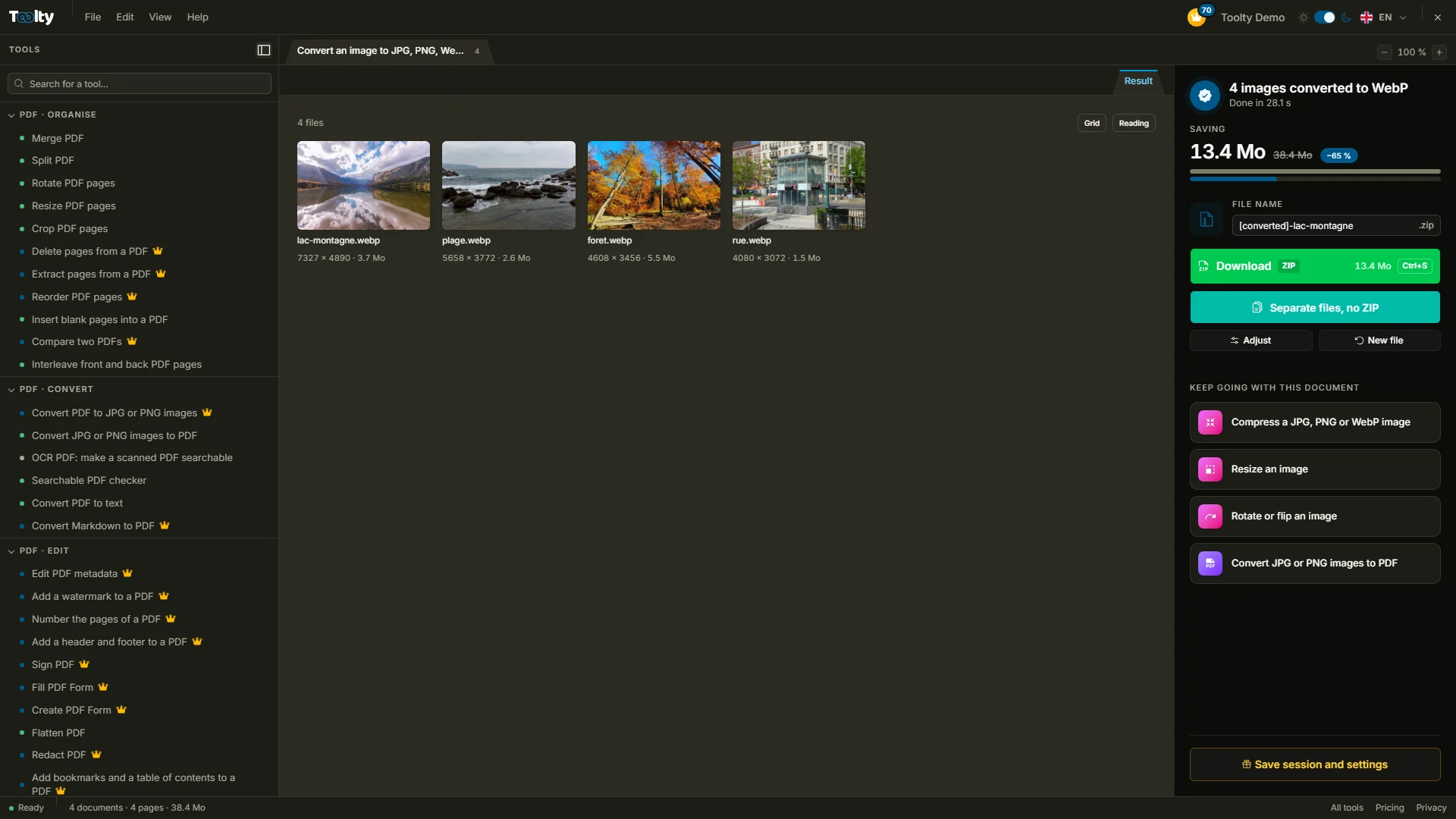
Image converter

JPG, PNG, WebP, AVIF, even iPhone HEIC: change the format of all your images in one go, compare their weight before downloading, and keep transparency wherever the format allows.

Utilities

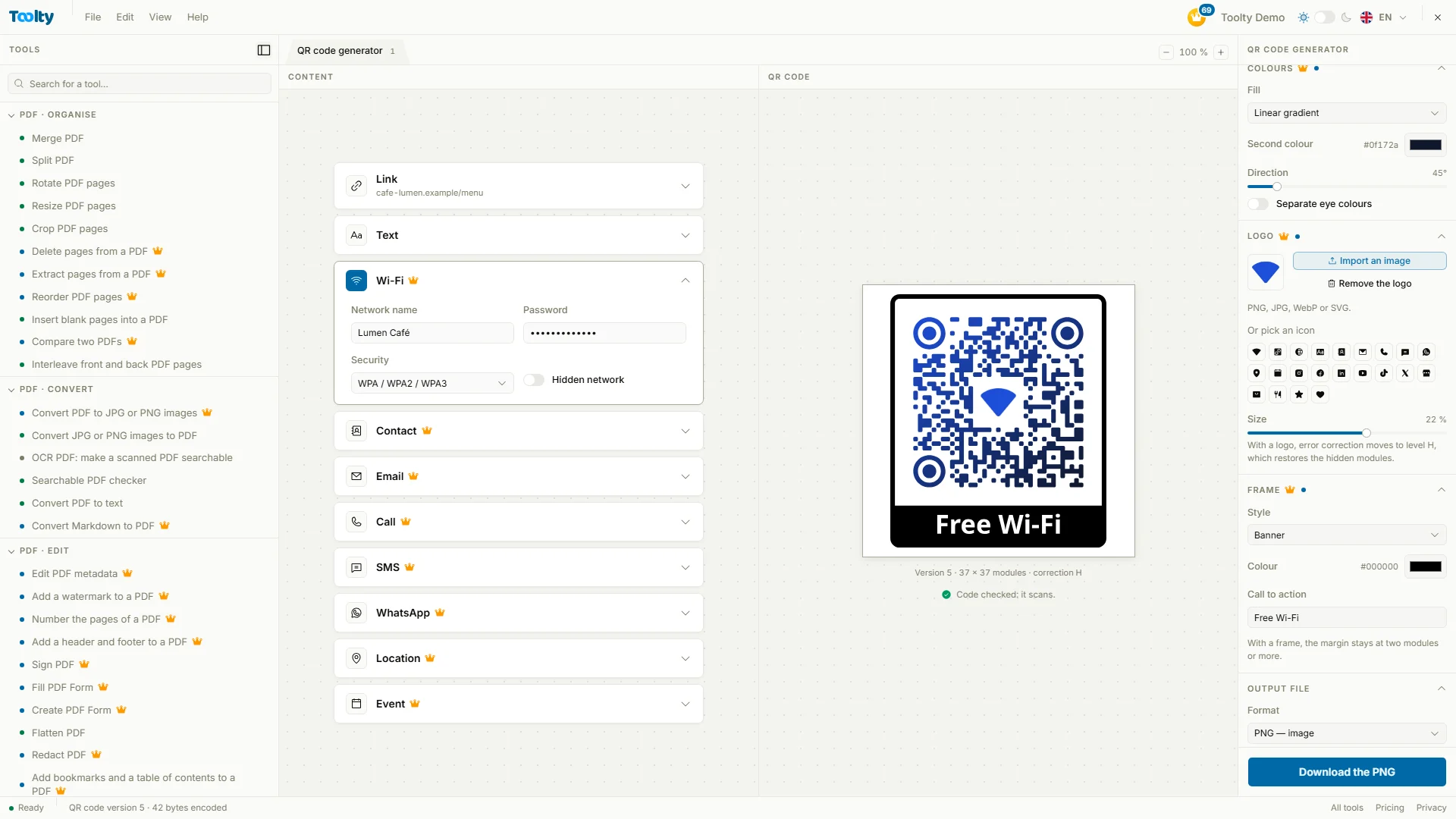
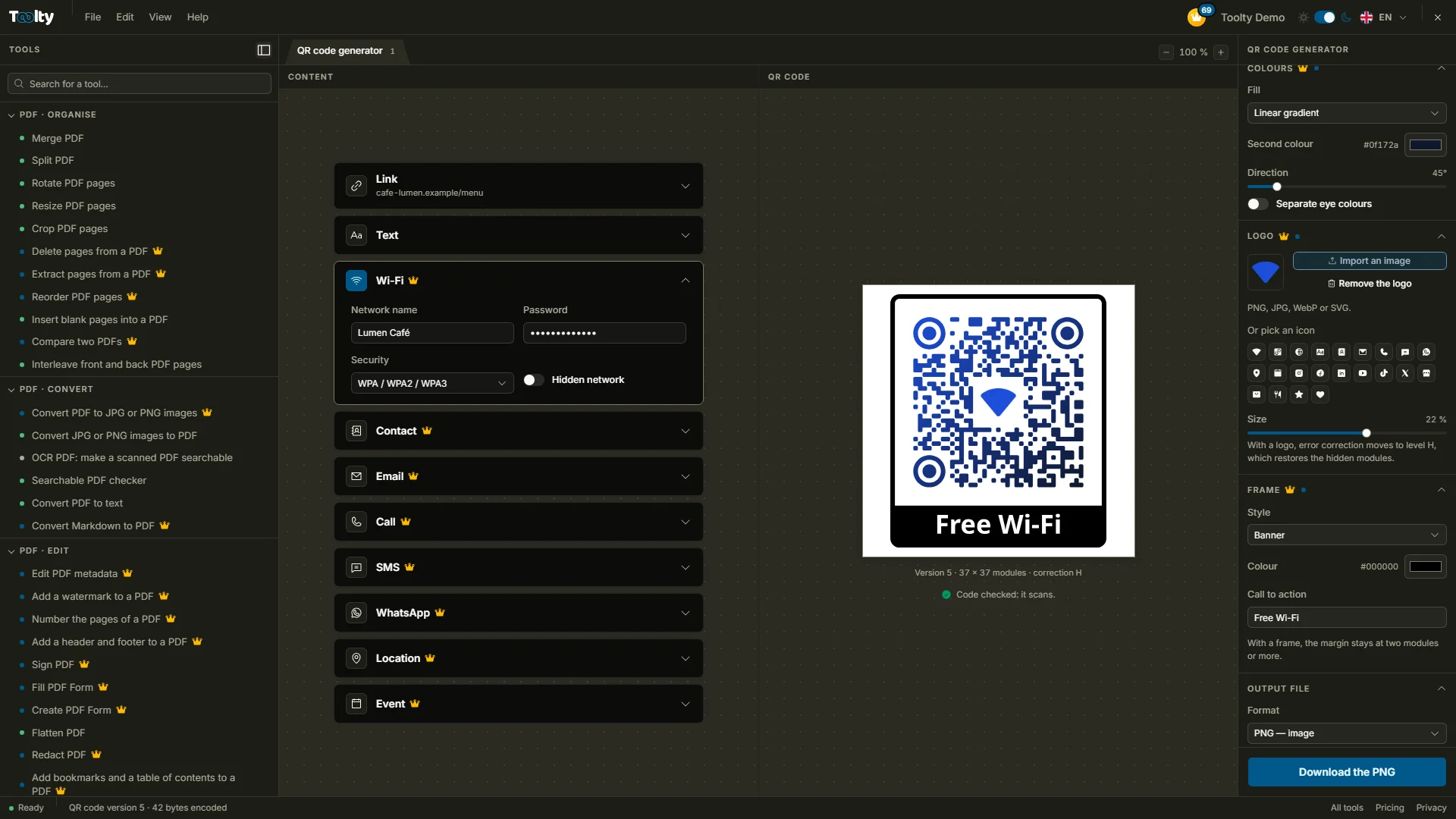
Versatile QR code generator

Link, Wi-Fi, contact, email, SMS, WhatsApp, location or event: a code that never expires, in your colors, as PNG, SVG, PDF or WebP. With Pro, your logo in the center and custom shapes, always checked to scan.

Structured dataPro

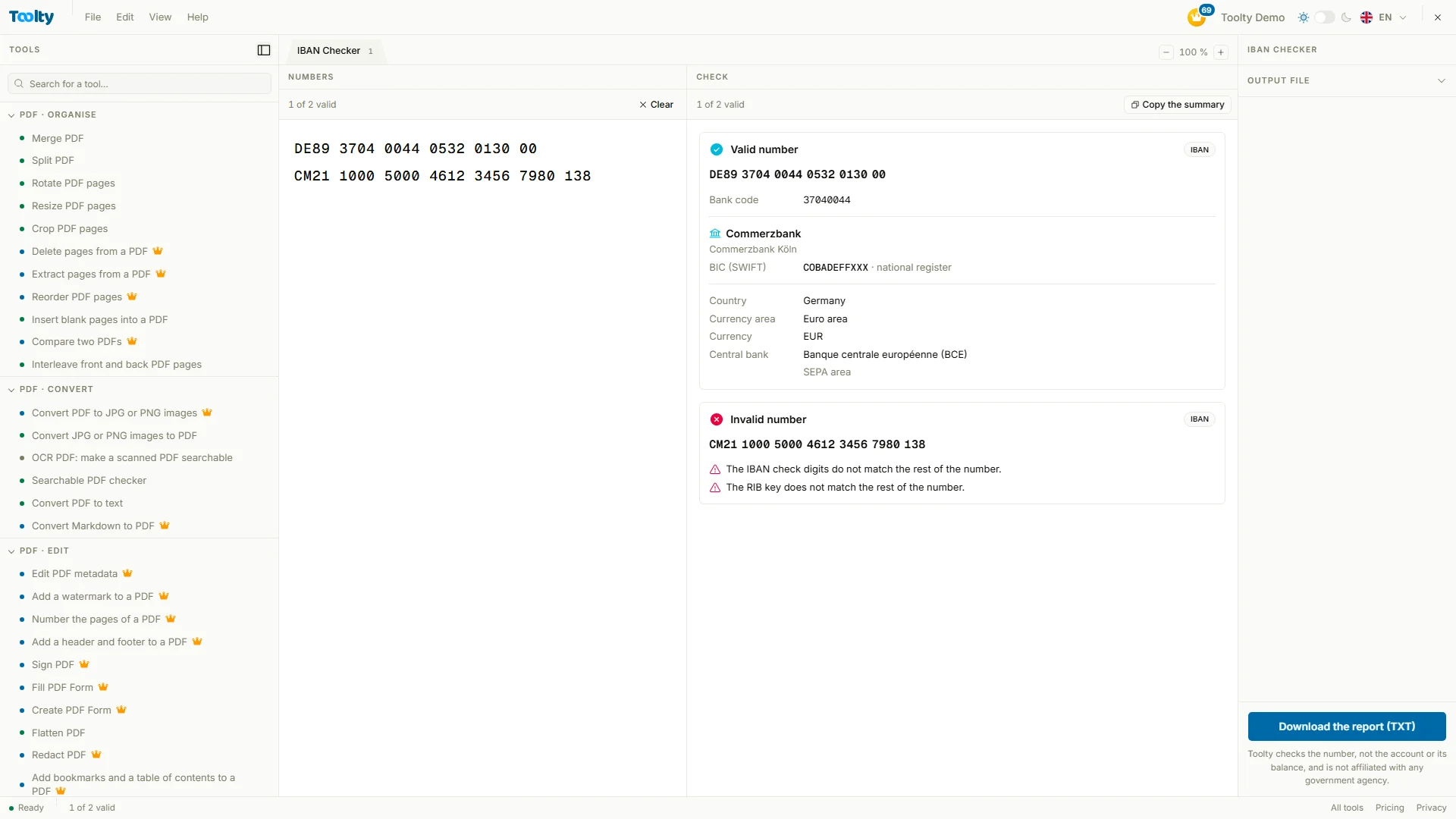
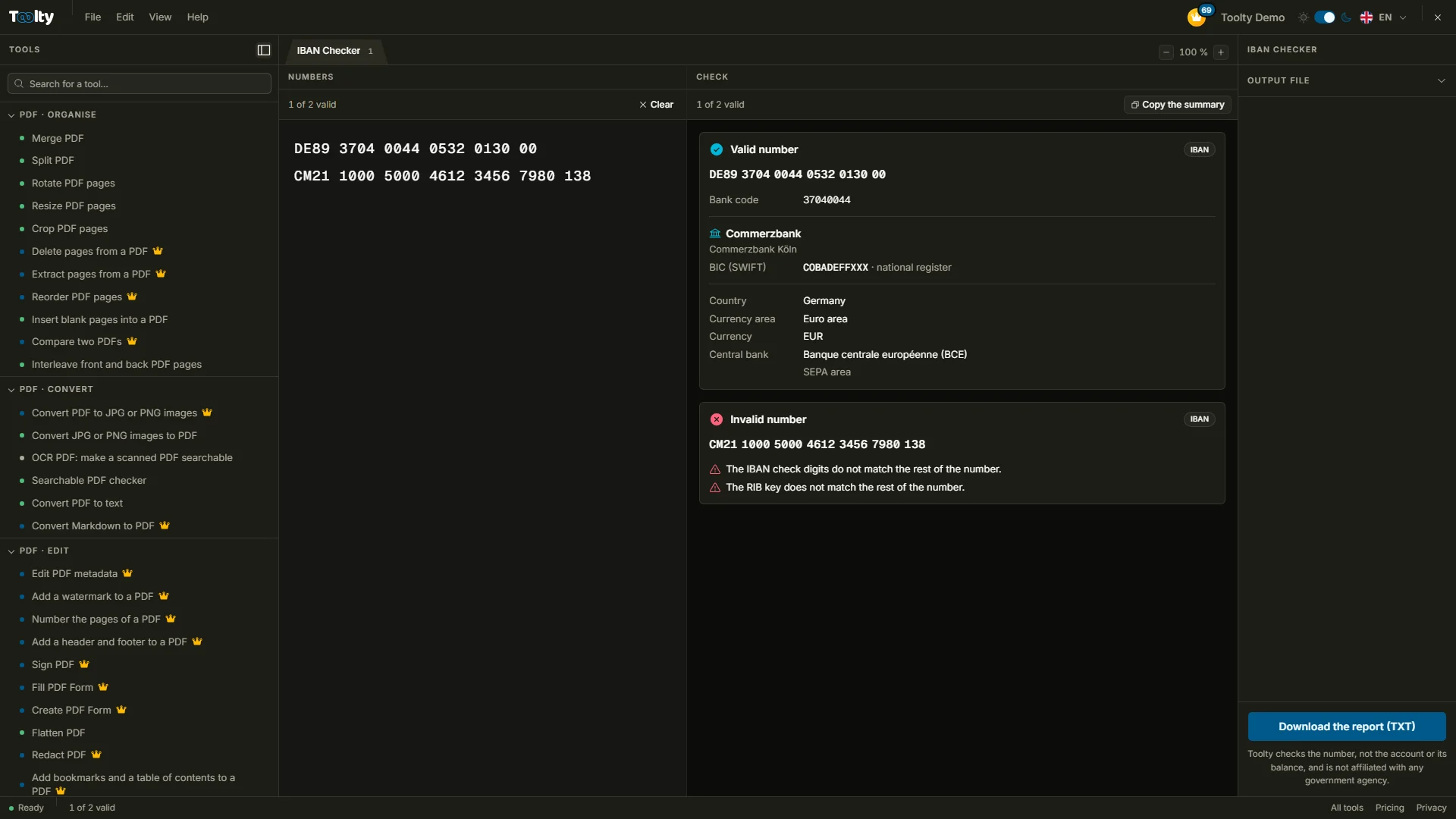
Check a bank account number

Visa, study, residence: before you send your bank letter, make sure the IBAN or account number is valid, spot the mistyped digit and confirm the bank, its head office and its BIC.

Office documentsPro

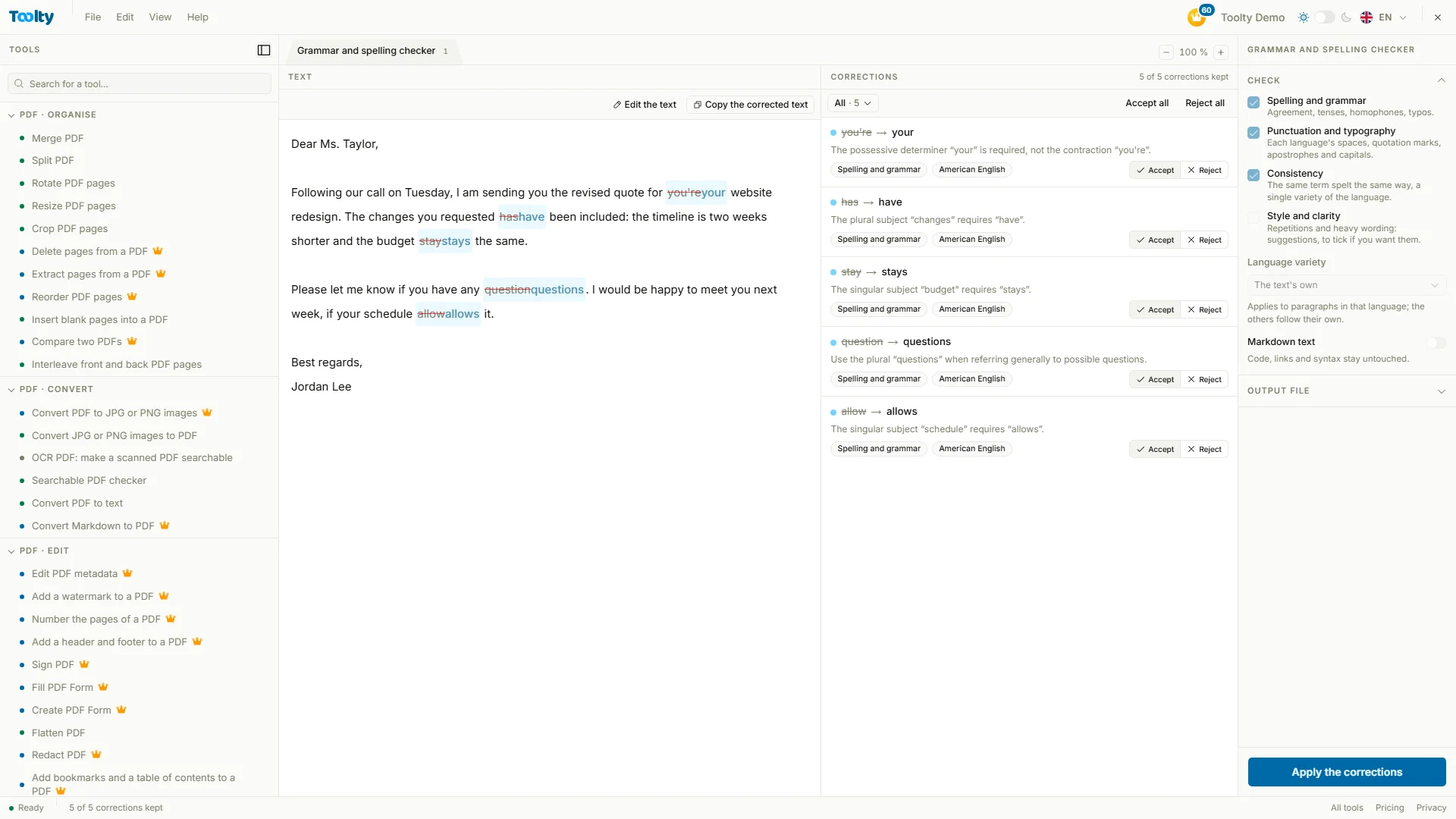
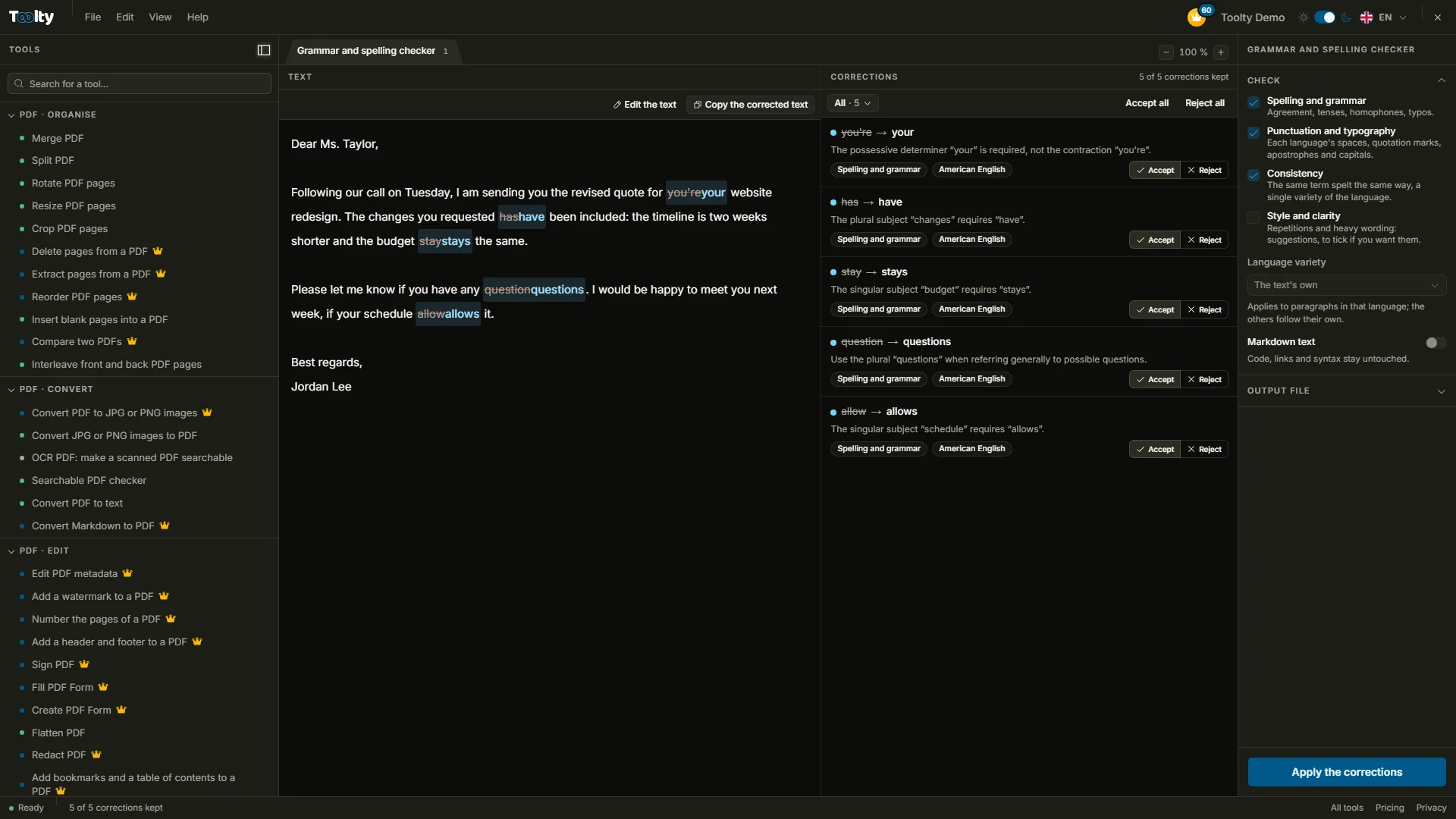
Multilingual spelling checker

Spelling, grammar and punctuation in any language, even in a bilingual text. Every mistake is explained, nothing changes without your approval, and your Word or PDF document comes back in its format.

The catalogue

All your tools, in one place.

Filter by category or by starting format, search by name: every tool opens in one click, ready for your file.

80 tools · 1–12 of 80

The workshops

Simplicity
that gets things done.

Every tool opens in a workshop built to get you straight to the result: you see what you are doing, and you stay in control until you download.

01ID photoPro

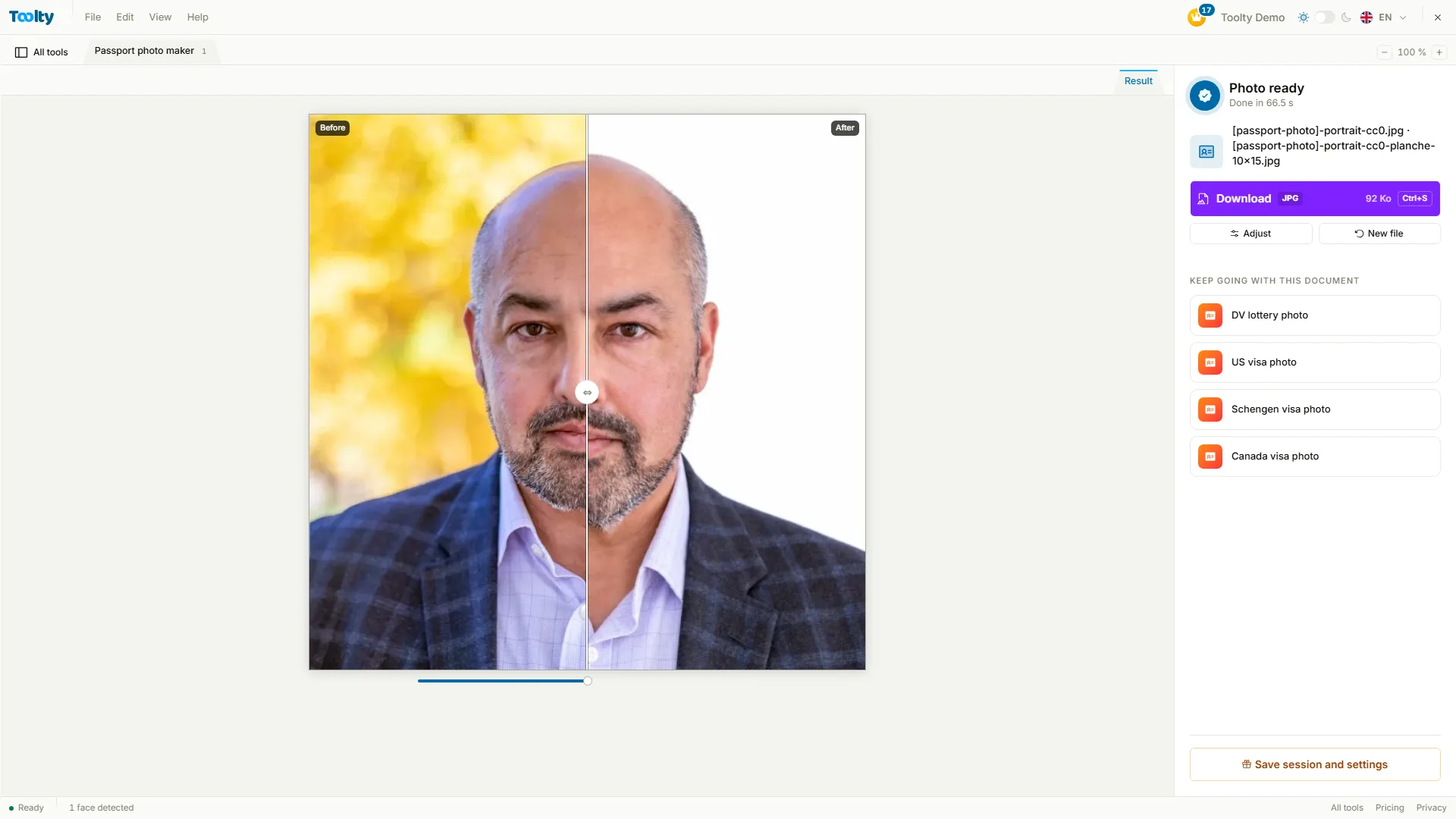
Your passport photo, from your phone

A photo taken at home becomes a visa or passport photo at the right size, on a plain background, ready for the online form and for printing.

  • Head and eyes framed to each document's specifications
  • What would get the photo rejected, flagged before you download
  • The file for the form and a sheet to print
Try it: Passport photo maker
toolty.io/passport-photo
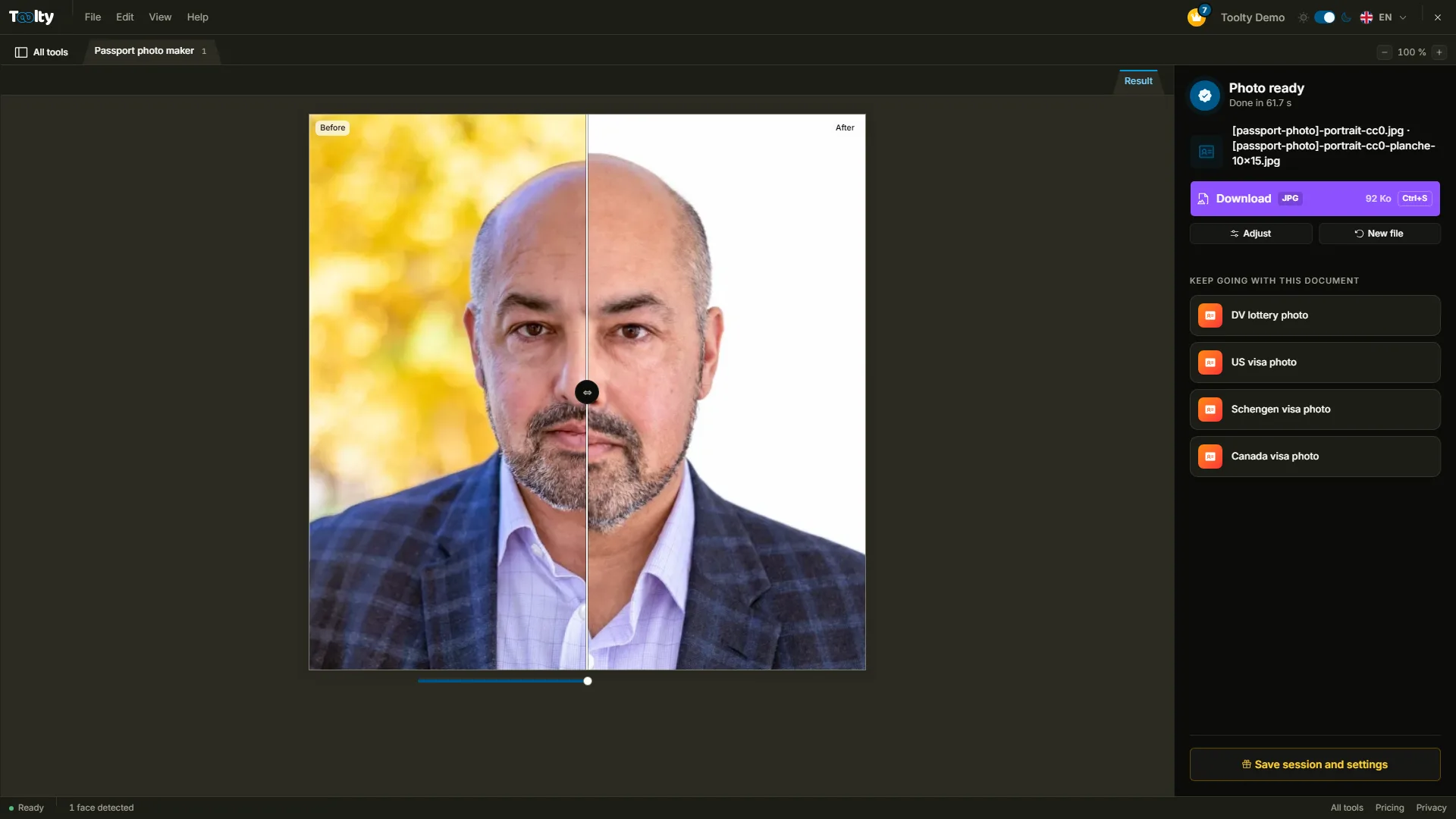
The Toolty ID photo workshop, with a file open

02Scan effectPro

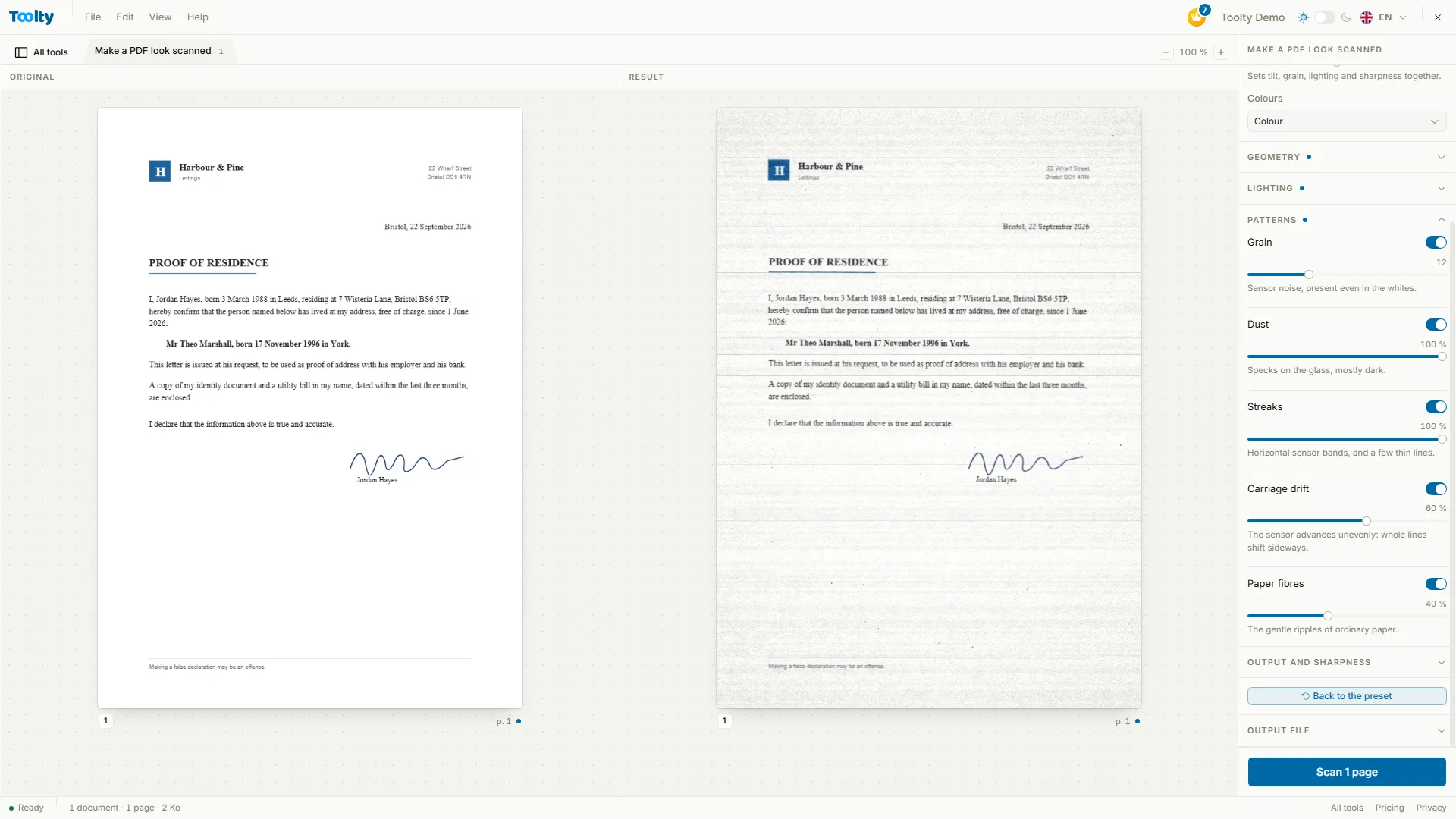
A digital document that looks scanned

For that form they want “scanned”: give a PDF or an image the look of a real pass through a scanner, or a photocopier.

  • Office scanner, photocopy or phone photo
  • Tilt, grain and lighting that change from page to page
  • In colour, grey or black and white, at the intensity you want
Try it: Make a PDF look scanned
toolty.io/make-pdf-look-scanned
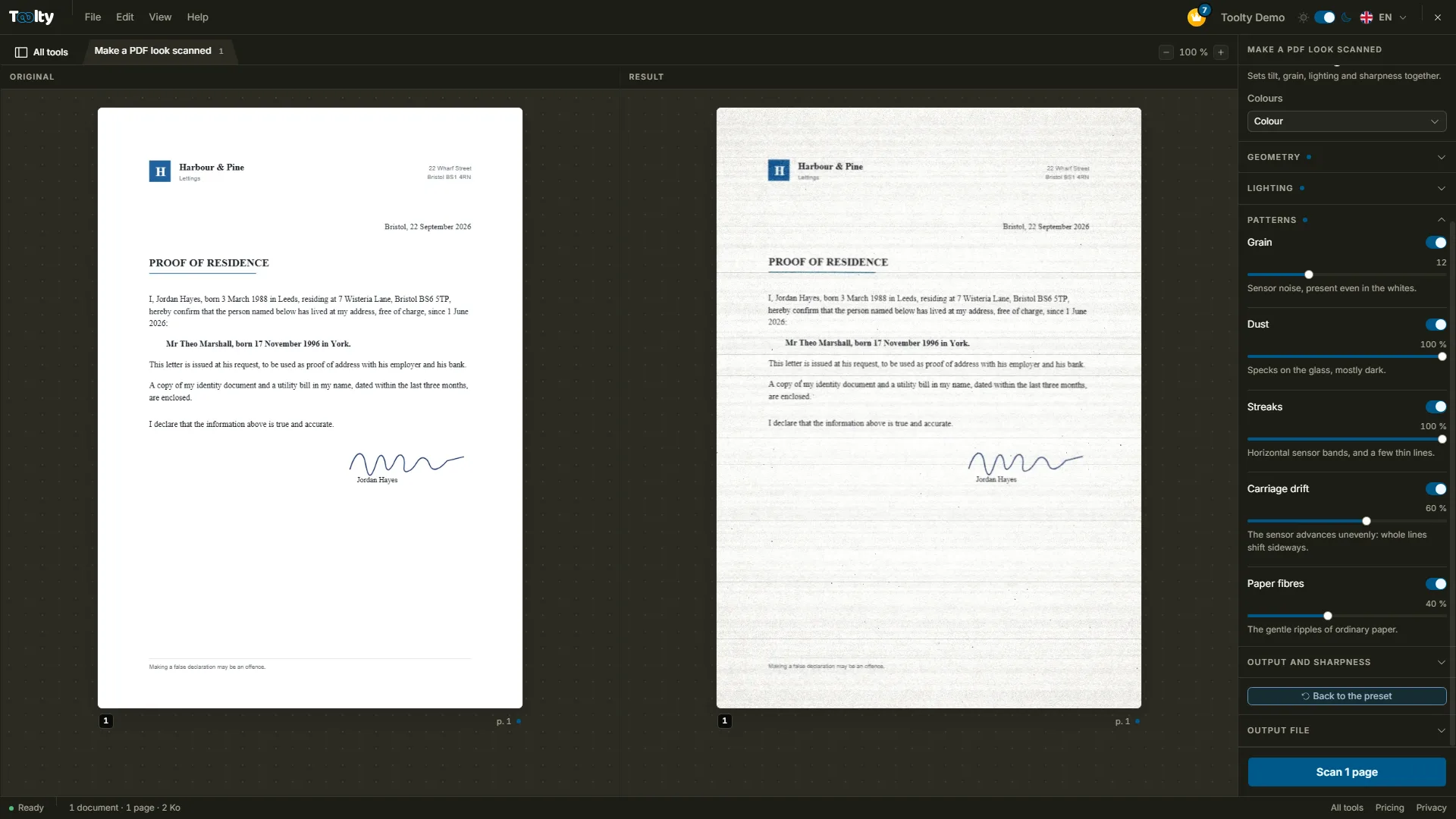
The Toolty Scan effect workshop, with a file open

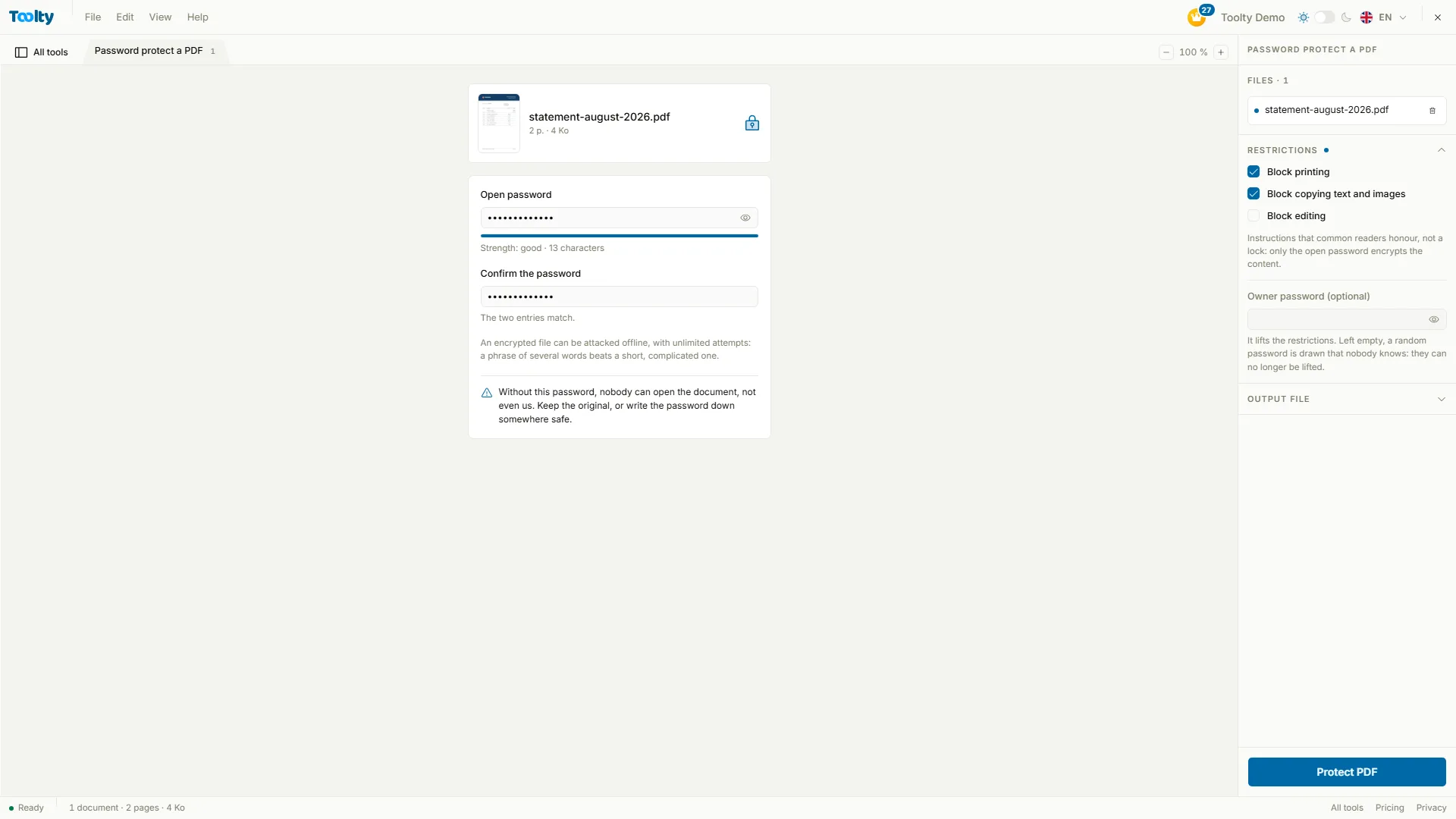
03PDF lockPro

Send a PDF only the right person can open

A statement, a contract, a payslip: set a password before you send it, and share it separately. Without it, the document won't open. Block printing or copying too, if you need to.

  • AES 256-bit encryption, the PDF 2.0 standard
  • Printing and copying blocked on request
  • Password typed twice, so you don't lock yourself out
Try it: Password protect a PDF
toolty.io/password-protect-pdf
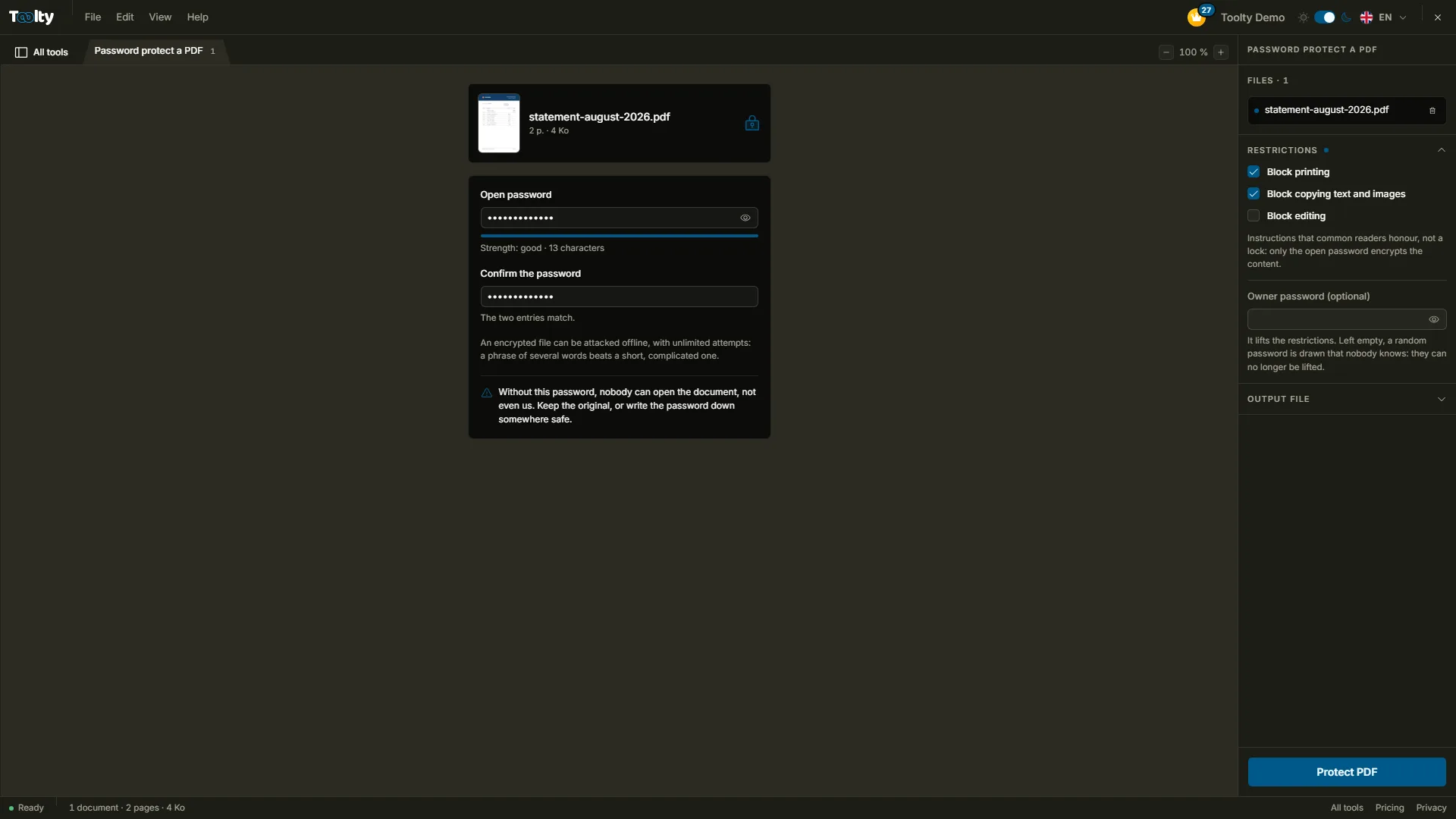
The Toolty PDF lock workshop, with a file open

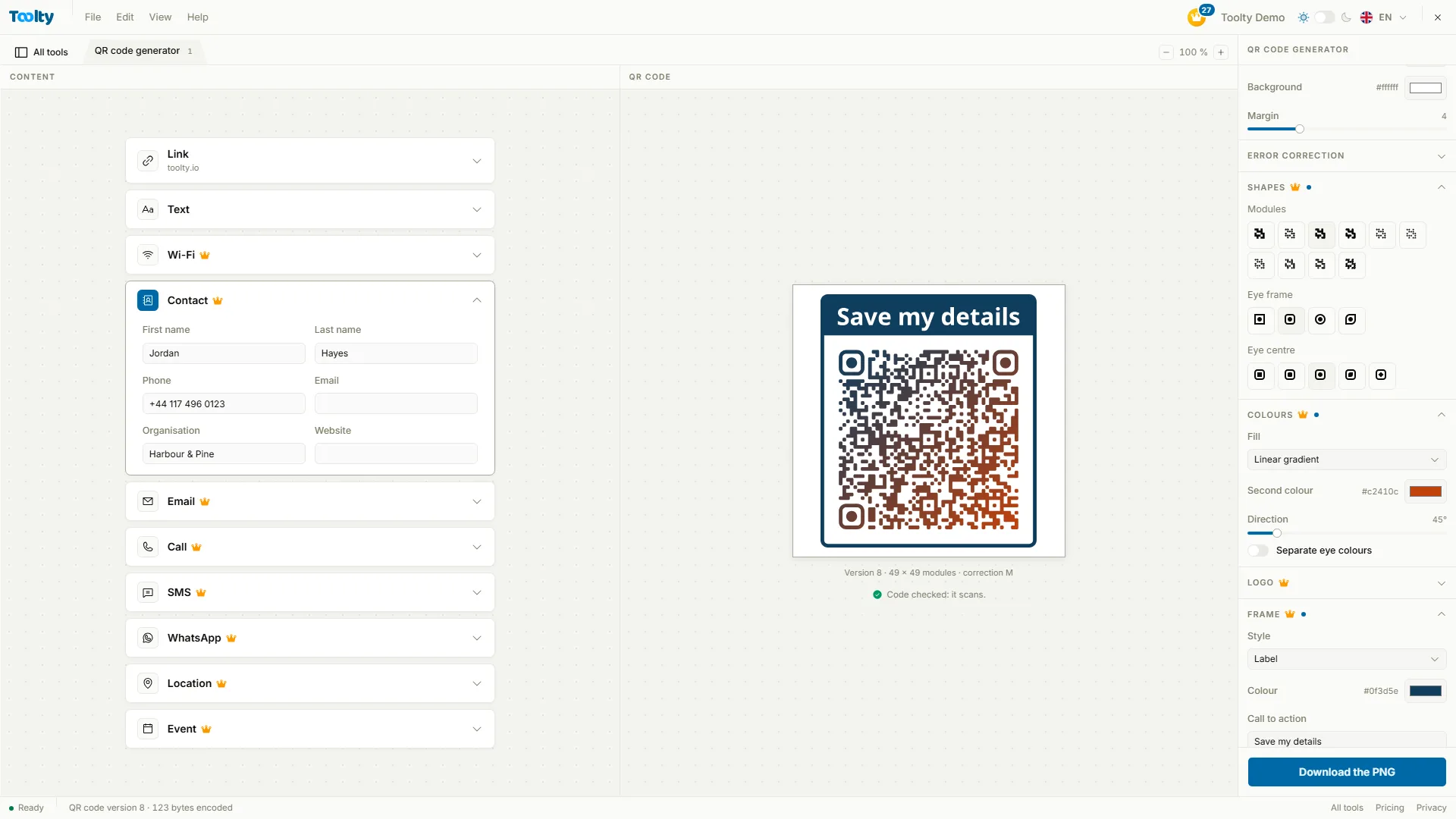
04QR code

QR codes in your colours, built to last forever

Link, WiFi, business card, event: type the content and watch the code draw itself with every letter. Nothing goes through a redirect that could stop working.

  • Ten kinds of content, from a link to a calendar event
  • With Pro: shapes, gradient, logo and frame
  • Pixel-precise PNG or WebP, SVG or PDF sharp from business card to poster
Try it: QR code generator
toolty.io/qr-code-generator
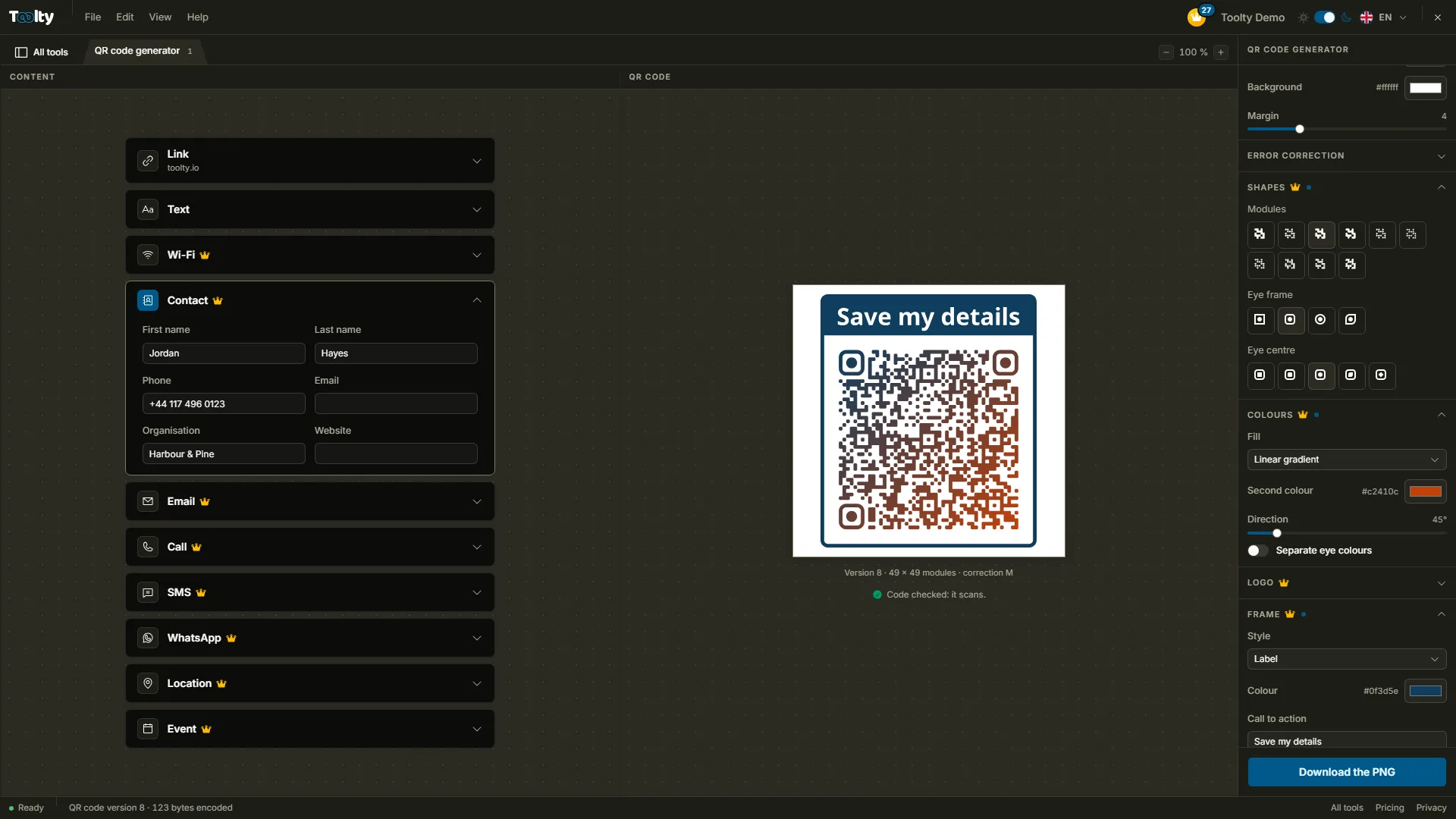
The Toolty QR code workshop, with a file open

Toolty on your phone, just like an app.

Pricing

The essentials are free.
Pro goes further.

Everyday tools can be used without paying or signing up, and the result is complete. Pro opens the advanced tools and is for people who process lots of files.

Free

For your everyday documents, with no sign-up.

$0

Forever, no card needed

Start for free

What's included

  • Everyday tools
  • No watermark, ever
  • 10 operations a day with an account
  • 3 files processed at once with an account
  • Not included: Pro-only tools
  • Not included: Unlimited conversions
  • Not included: Batches of 50 files
  • Not included: AI credits
  • Not included: Saved work sessions
  • Not included: Custom QR codes

Pro

For people who process documents by the batch.

$100/ year

That's $8.33 a month, billed once a year

What's included

  • Every tool, no exceptions
  • Unlimited conversions
  • Batches of 50 files
  • 20 AI credits a month, adding up
  • Your work saved, ready to resume
  • QR codes in your brand
  • Your files, under your name

FAQ

Your questions,
our answers.

The essentials people ask us before trying Toolty.

For the essentials, yes. Everyday tools are free to use, and the result you get is the complete result. Tools marked with a crown are reserved for Pro: you can try them freely, the result comes with the subscription. Pro is also for people who process many files at once or want the AI tools.

Your next document
is waiting for you.

Pick a tool, drop your file: your result is ready in a few clicks.

Try Toolty for free